Full CMS vs Headless: Why All-in-One Wins for Most of the Web
Headless earned its reputation for real reasons. Here's the honest trade-off — and why, for most sites, a complete CMS is the better deal.
Let me start by being fair to the other side, because a comparison that only flatters the author isn't worth reading.
Headless CMS earned its reputation for real reasons. Decoupling the content from the frontend gives developers total freedom: pick React or Vue or Astro, deliver the same content to a website and a mobile app and a kiosk, and lean on a mature toolchain of APIs, webhooks, and preview environments. If you're a large team shipping content to many surfaces at once, that flexibility is worth the price you pay for it.
And you do pay for it. That's the part the category doesn't put on the pricing page.
What "headless" actually costs you
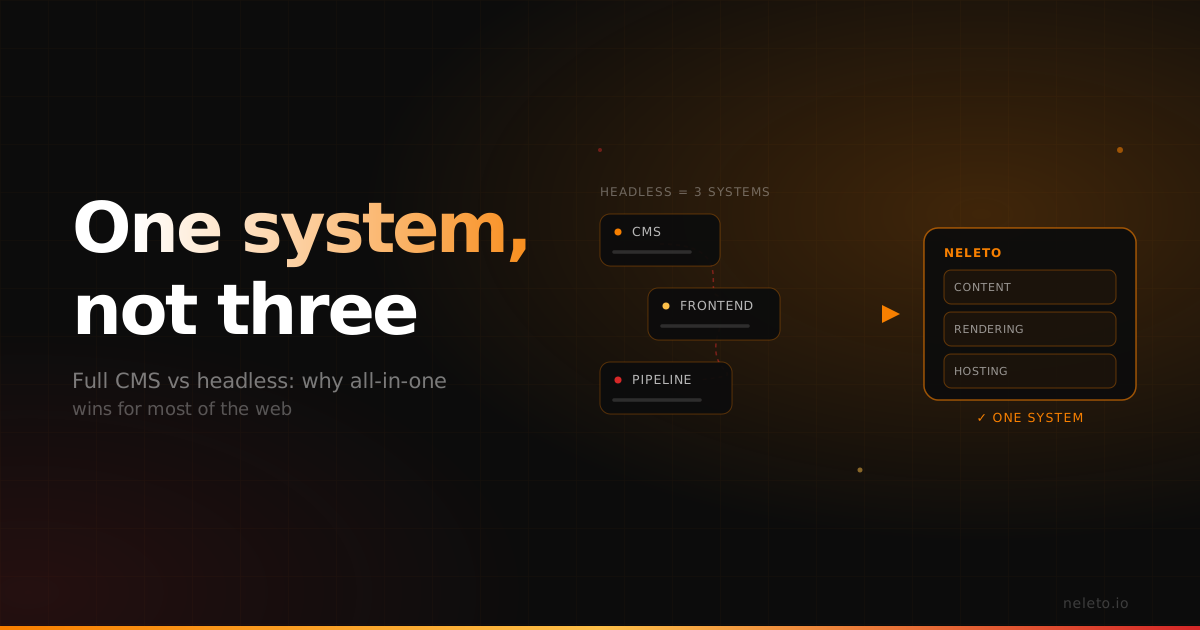
The moment you go headless, you own the presentation tier. All of it. You're not just writing content anymore — you're standing up a separate frontend, wiring it to the content API, building the webhook endpoints that tell your site when to rebuild, maintaining a second deployment pipeline, and keeping two systems in sync forever. That's real, ongoing engineering work, and it doesn't stop after launch.
For a large product team, fine — that's their job and they have the people for it. But most of the web isn't a large product team. It's a freelancer building a client site, an agency running twenty of them, a business that wants a fast, modern site without hiring a frontend specialist to keep the lights on. For those people, "total flexibility" is a bill they didn't ask for.
The all-in-one answer
Neleto is a complete CMS. Content, rendering, and hosting live in one place. You design and manage your whole site inside Neleto and it serves the pages directly — no separate frontend to build, no rebuild pipeline to babysit, no second system to keep in sync. That means fewer moving parts, less that can break at 2am, and nothing to rebuild between you and the live page.
You don't give up the modern parts to get that simplicity. The backend is Rust, so pages are fast by default, which Google rewards. All the content types you actually need — pages, blog posts, events, translations, redirects, components, layouts — are built in, not sold back to you as add-ons. Hosting is EU-based and GDPR-compliant out of the box, with your server region chosen at signup. And if you ever do want to pull content elsewhere, there's a REST API waiting. All-in-one doesn't mean walled-in.
The part headless can't answer yet
Here's where the comparison stops being close.
A headless CMS gives an AI agent an API to talk to. Neleto gives it the CMS itself. The native MCP server means Claude Code, Cursor, and Windsurf read and write your content directly — create drafts, publish, add translations, fix redirects — with your roles enforced on every operation. No middleman service, no glue code, no wrapper someone has to maintain.
That's the workflow the next few years are built around, and it's a lot cleaner when the content, the rendering, and the agent interface are one system instead of three you stitched together. Flexibility is worth paying for when you need it. Most people don't — and they shouldn't have to pay for it to get a fast, compliant, agent-ready site.
So which should you pick
If you're shipping one content set to a dozen different surfaces with a team that likes owning the frontend, headless is a reasonable choice and I won't pretend otherwise.
If you want a fast site, a clean admin your clients can actually use, EU hosting without the legal footnotes, and an AI workflow that works out of the box — you want the complete CMS. That's most of the web. That's who we built Neleto for.
Try it free at console.neleto.io. Point your agent at it and build a page in a sentence. You'll feel the difference between "connected to a CMS" and "driving one."
— Martin
Read next
Templates Are Dead
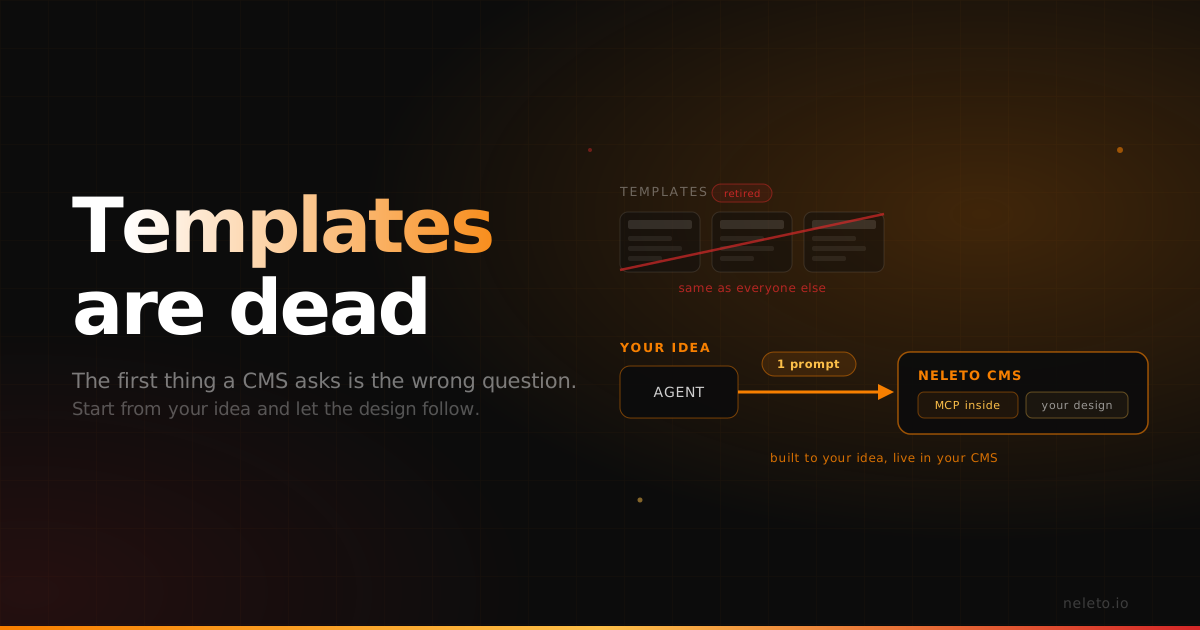
Every CMS starts by asking you to pick a template. Now that AI generates real designs and a native MCP server places them straight into your CMS, you can start from your own idea instead of someone else's theme.
Native MCP vs an MCP Wrapper: Why the Difference Shows Up in Production
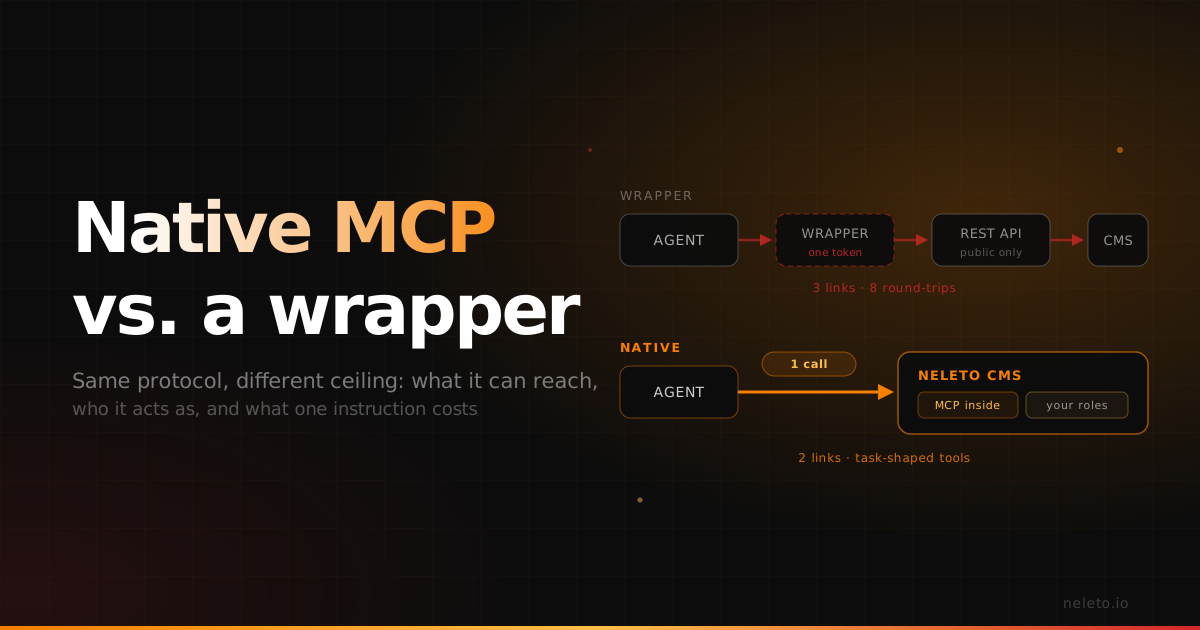
Both speak the same protocol. The gap opens in what they can reach, who they act as, and how many round-trips one instruction costs.
The AI That Checks Its Own Work
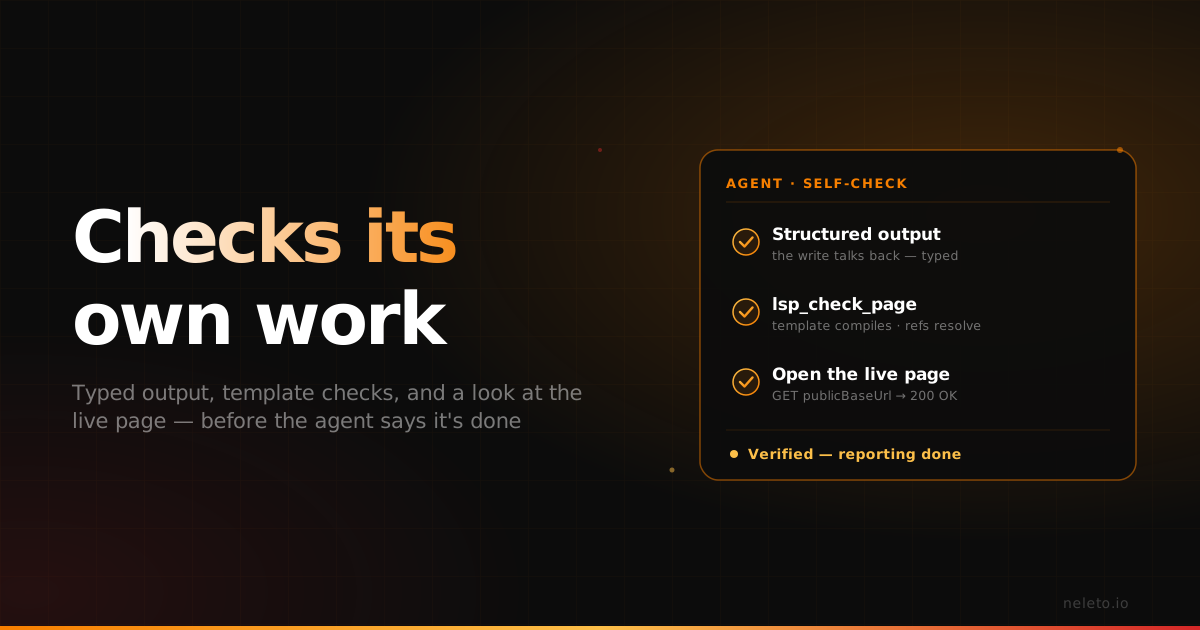
Most AI-plus-CMS setups write content and hope it rendered. Neleto checks three ways: structured output, LSP checks and a look at the live page.