Jimdo to Neleto: A Real Migration Story
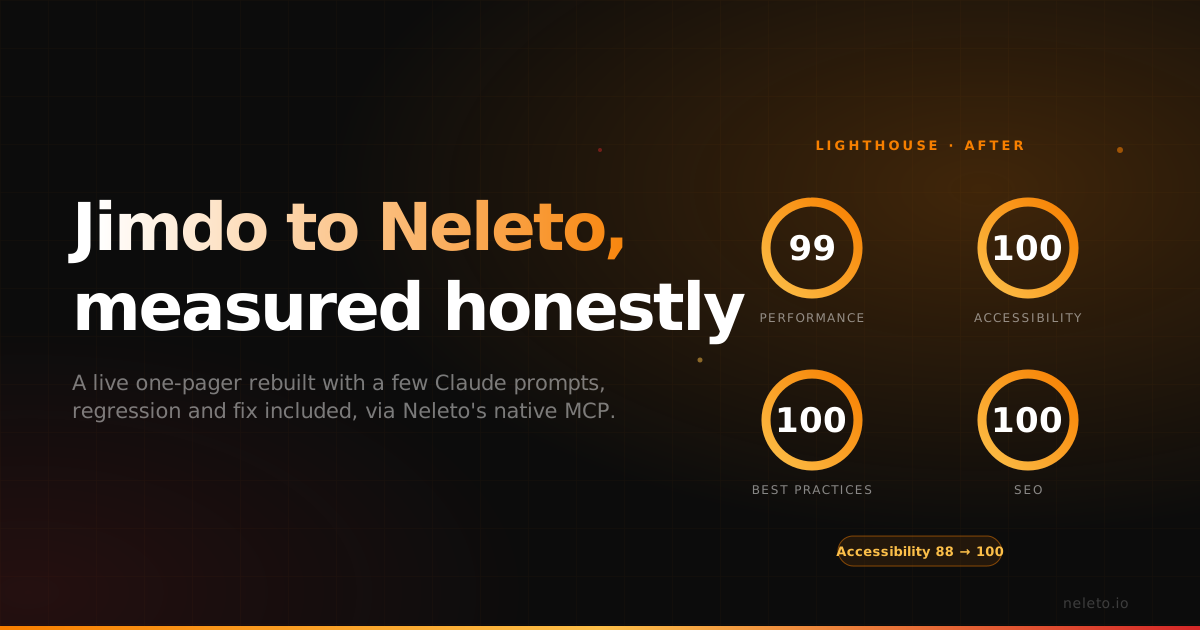
We rebuilt a live Jimdo one-pager on Neleto with Claude. The first pass hurt accessibility; two prompts later Lighthouse showed 99/100/100/100.
Most "we migrated a website" posts skip the part where something breaks. This one doesn't, because the part that broke is the interesting part, along with how a couple of follow-up prompts fixed it.
The short version: we took a live Jimdo one-pager and rebuilt it 1:1 on Neleto using Claude and our MCP connector. The first pass was fast and looked great, but Lighthouse caught an accessibility regression we didn't expect. Two prompts later, the site scored a near-perfect 99 / 100 / 100 / 100. We didn't hand-code anything or open the page builder. Just prompts.
The starting point: a decent Jimdo site
The site was a typical Jimdo build, a clean one-pager that does its job. Before we touched anything, we ran Lighthouse on the live version so we'd have a real baseline instead of a gut feeling. Desktop, June 10:
| Metric | Jimdo (live) |
|---|---|
| Performance | 88 |
| Accessibility | 88 |
| Best Practices | 100 |
| SEO | incomplete |
| Largest Contentful Paint | 1.9 s |
| First Contentful Paint | 1.3 s |
| Total page weight | ~1.18 MB |
Not bad. An 88 on performance is the kind of number a lot of small-business sites would be happy with. But there's headroom everywhere: LCP near two seconds, an accessibility score with four broken audits hiding behind it, and an SEO category that didn't even come back complete. That's the reality of most hosted site builders. Fine on the surface, but you don't control the stack, so you can't fix what's underneath.
That's the whole reason Neleto exists, so we migrated the site.
The migration: one prompt, the whole site
We didn't open a builder and start dragging boxes. We pasted a single, front-loaded prompt into Claude, the same reusable one we use for every "copy a site to Neleto" job. In plain terms:
Replicate this Jimdo site 1:1 on our Neleto CMS as a fully component-driven site. Every piece of text, image, link and color editable through the CMS, nothing hard-coded in templates. Build all pages, then verify everything yourself before reporting.
A few things make that prompt do real work instead of producing a rough approximation. It pulls the real design rather than a guess: Claude drives a headless Chrome to screenshot every page and extract the computed styles (font family, weight, size, line-height, colors, padding, border-radius, section heights, button styles) and matches those exact values instead of eyeballing them. It builds the way Neleto wants to be built, with one Layout, one component per section, and one Page per route, so the owner can edit any word, image, or color later without touching code. And it checks its own work: the prompt tells Claude to run axe-core on every page and fix issues before reporting back, so accessibility is a build requirement rather than an afterthought.
Claude talks to Neleto over our MCP connector, a stateless JSON-RPC endpoint, so the entire build (layout, components, pages, content) happens through the same interface a developer would use, just driven by natural language. The site went up on a Neleto staging domain.
Then we ran Lighthouse again.
The honest part: the first pass regressed accessibility
Here's the result of that first migration, June 11, 9:00:
| Metric | Jimdo | Neleto (first pass) |
|---|---|---|
| Performance | 88 | 97 |
| Accessibility | 88 | 81 |
| Best Practices | 100 | 100 |
| SEO | incomplete | 100 |
| LCP | 1.9 s | 1.1 s |
| FCP | 1.3 s | 0.7 s |
Performance jumped nine points. LCP nearly halved. SEO went from "didn't complete" to a clean 100. Good so far.
But accessibility dropped, from 88 to 81. That's the part most case studies would quietly crop out of the screenshot. We're keeping it in, because it's the most useful part of the story.
Lighthouse flagged exactly four things, and axe-core named them:
html-has-lang: the<html>element had no[lang]attribute, so screen readers didn't know the page was in German.label: a form element had no associated label.heading-order: headings weren't in a sequentially descending order (a jump from, say, anh2to anh4).color-contrast: foreground and background colors didn't hit the WCAG AA contrast ratio.
None of these are exotic. They're four of the most common accessibility failures on the web, and a 1:1 visual clone will happily reproduce or introduce them, because matching pixels is not the same as matching semantics. That's exactly why the build prompt runs axe-core, and why we re-check with Lighthouse instead of trusting the first green-ish dashboard.
The fix: a couple of prompts, not a couple of days
This is where owning the stack pays off. On Jimdo, three of those four issues are things you simply cannot reach. On Neleto, every section is a component and every value is editable, so the fixes are small, targeted prompts. In plain language:
- Add the
langattribute to the layout. One change in the Layout, applied site-wide. - Give the form input a proper associated label. One component edit.
- Fix the heading hierarchy so it descends in order. A couple of heading levels adjusted in the components.
- Bump the text color until it clears AA contrast, and ask me before changing any brand color.
That last clause matters. Contrast fixes can quietly mangle a brand, so the prompt is built to flag a conflict rather than silently darken the palette.
Twenty minutes later, June 11, 9:20, we ran the final Lighthouse:
| Metric | Jimdo | Neleto (first pass) | Neleto (optimized) |
|---|---|---|---|
| Performance | 88 | 97 | 99 |
| Accessibility | 88 | 81 | 100 |
| Best Practices | 100 | 100 | 100 |
| SEO | incomplete | 100 | 100 |
| LCP | 1.9 s | 1.1 s | 0.9 s |
| FCP | 1.3 s | 0.7 s | 0.5 s |
| Total Blocking Time | 30 ms | 0 ms | 0 ms |
| Cumulative Layout Shift | 0.006 | 0 | 0 |
Three of four categories at a perfect 100, performance at 99, and an accessibility score that went from quietly broken on the original Jimdo site to genuinely perfect. First Contentful Paint dropped from 1.3 s to 0.5 s, so the page now paints in roughly a third of the time it used to.
The original Jimdo site scored 88 on accessibility, but that 88 was hiding the same kinds of issues. The migration didn't create accessibility debt out of nowhere. It surfaced it, named it, and then let us actually fix it. You can't say that about a closed builder.
Why this is the whole pitch
Strip away the specifics and a hosted site builder, fine but capped, became a fully editable, component-driven Neleto site scoring 99 / 100 / 100 / 100, driven entirely by prompts, with a human only making the judgment calls (like "don't wreck the brand color for contrast").
That's the argument for Neleto in one example:
- You own the stack. The three accessibility issues that were unreachable on Jimdo took one prompt each on Neleto, because nothing is hard-coded in a template you can't touch.
- The AI does the labor, you make the calls. Claude pulled the real design, built every component, ran axe-core, and applied the fixes. We approved the brand-color decision.
- Speed without the usual tradeoff. Most fast-migration stories trade quality for speed. Here the whole loop, migrate, measure, regress, fix, re-measure, was a single afternoon, and the end state beats the original on every metric that matters.
One caveat so the numbers stay honest: these are desktop Lighthouse runs, and Lighthouse is a lab tool, so real-world field data varies with device and network. We'd rather show you the actual reports, regression and all, than a single cherry-picked screenshot.
If you're sitting on a Jimdo, Wix, or Squarespace site and wondering what it'd look like on a stack you actually control, this is what it looks like. A few prompts, an honest before-and-after, and an accessibility score you can stand behind.
Want us to run the same migration on your site? Reply with your URL and we'll show you the before-and-after in Lighthouse, four broken audits and all.
Start free at neleto.io, the all-in-one CMS with a built-in MCP server, hosted in the EU.
Read next
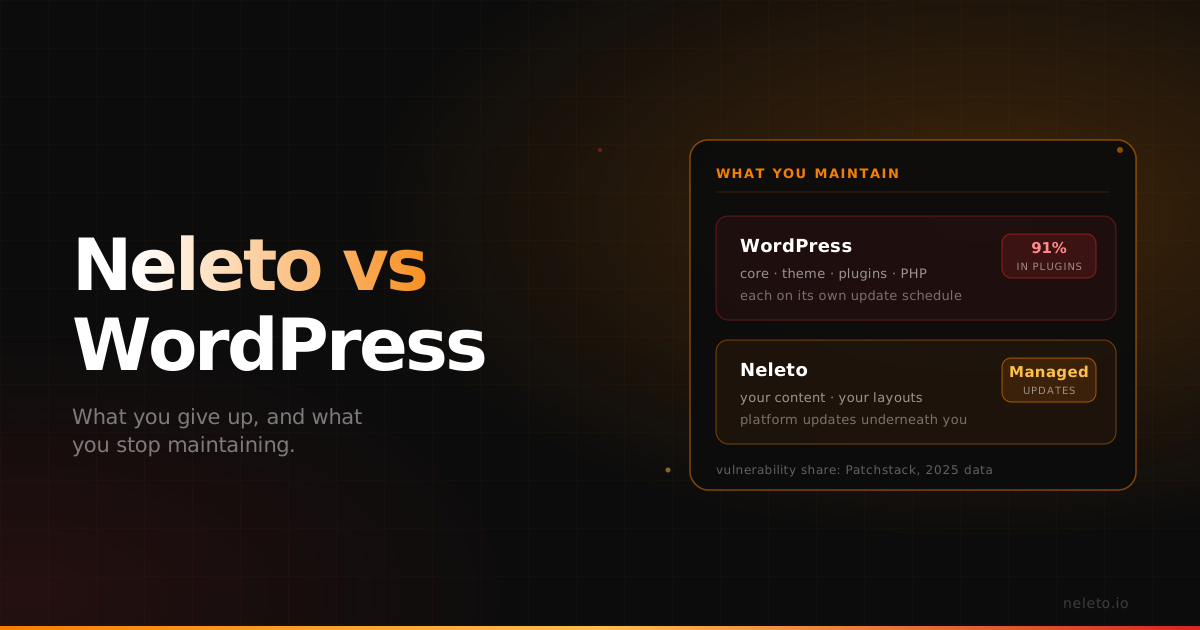
Neleto vs WordPress: What You Give Up, and What You Stop Maintaining
WordPress is the right answer for a large share of the web. Here is the specific kind of site where it stops being one, what you lose by leaving, and what you stop maintaining.
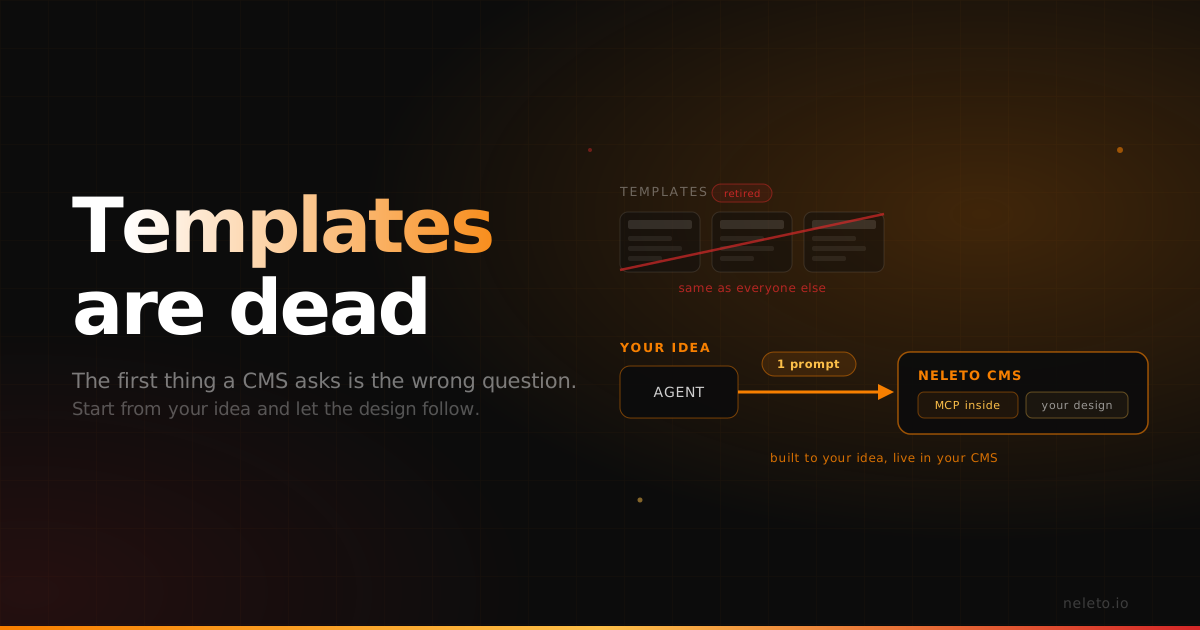
Templates Are Dead
Every CMS starts by asking you to pick a template. Now that AI generates real designs and a native MCP server places them straight into your CMS, you can start from your own idea instead of someone else's theme.
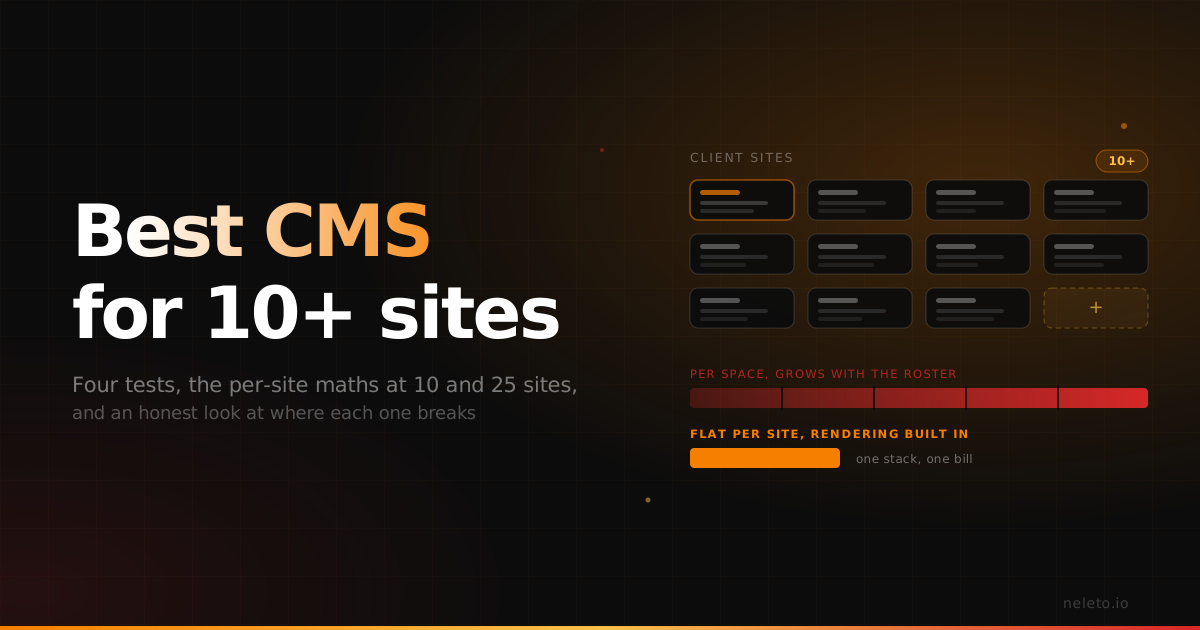
Best CMS for Agencies Managing 10+ Client Sites (And What to Check Before You Commit)
The four things that actually decide it, the per-site maths at 10 and 25 sites, and an honest look at where each option falls apart.