Plugins
Neleto offers a versatile plugin system, allowing you to extend your site's functionality to fit your needs.
Plugins in Neleto can provide a wide range of additional functionalities, like:
- Providing new Components
- Rewriting pages with custom logic to include new functionality
- Adding dashboard-widgets
- Themeing your website
- Providing files like icons/images or scripts
- API Endpoints
Installing a Plugin
There are two straightforward methods for installing a plugin in your Neleto instance:
Uploading a .tar.gz File
If you have a .tar.gz file of your plugin, simply navigate to the Plugins
menu and click on the Upload Plugin button located
in the upper right corner. Then select the .tar.gz file. Once the upload is
complete and the plugin is installed, the plugin should appear in your list of
installed plugins. This way the plugin will only be available to users of your
Neleto instance.

Through the Plugin Store
Managing Plugins
On the Plugins page, you can manage installed plugins and their data and
functions. If you click on the Settings button
for a specific plugin, you can see which pages a plugin adds to your website
and, if necessary, set a layout for these pages.
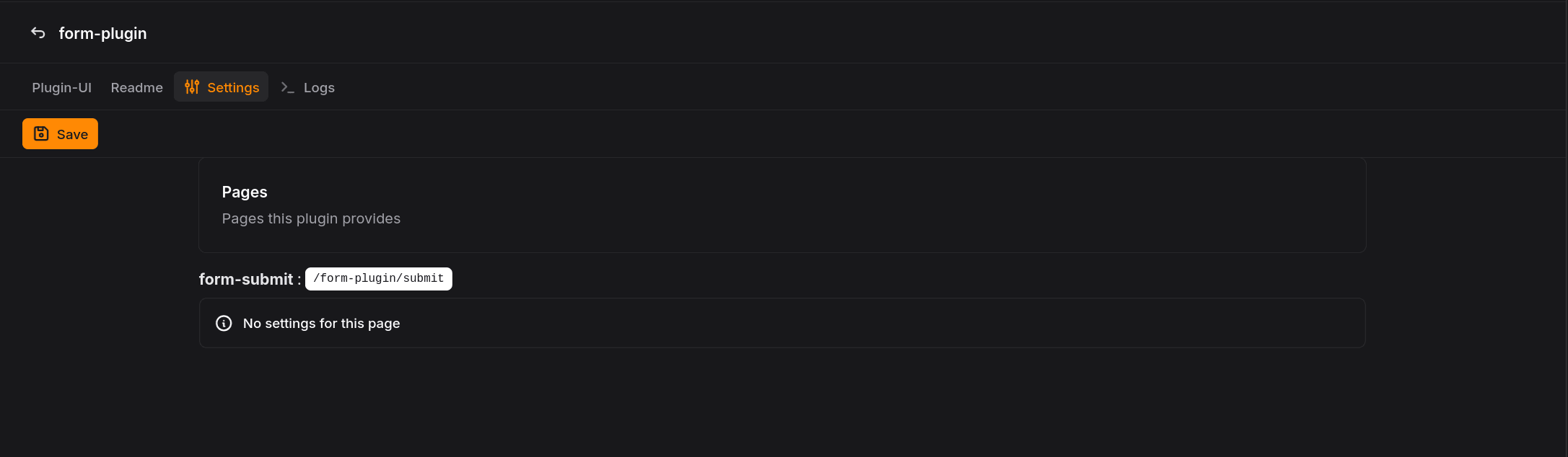 Clicking on the name of the plugin or on
 Plugin-UI will take you to the
plugin UI.
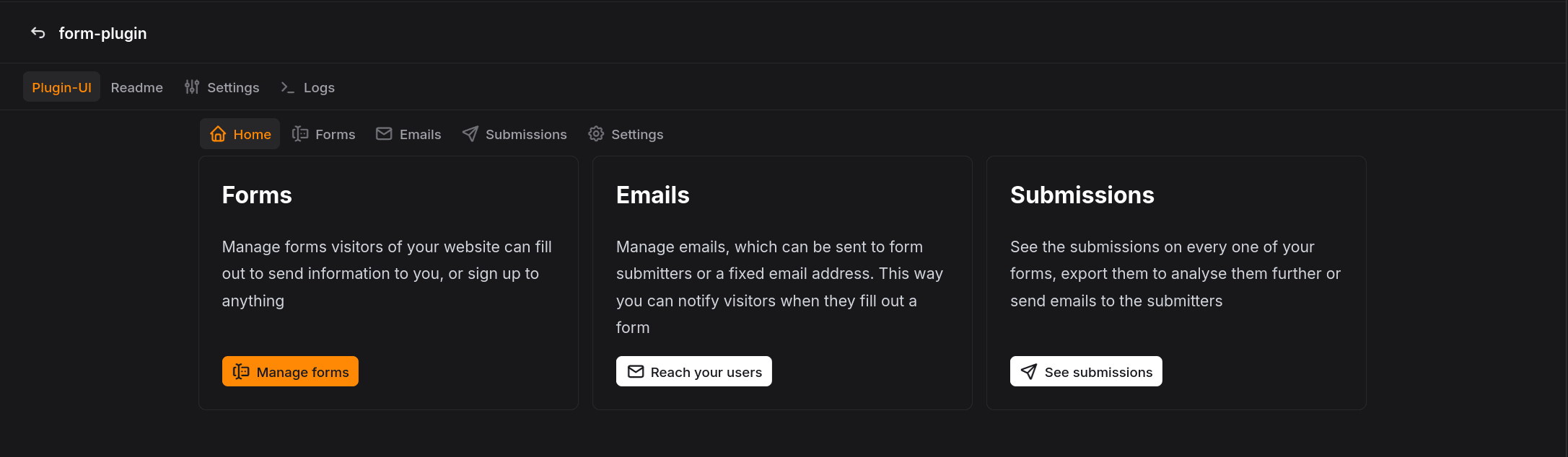 Here you can manage the plugin's data and functions. This UI is defined by the
plugin itself, so it will vary depending on the plugin.
Here you can manage the plugin's data and functions. This UI is defined by the
plugin itself, so it will vary depending on the plugin.
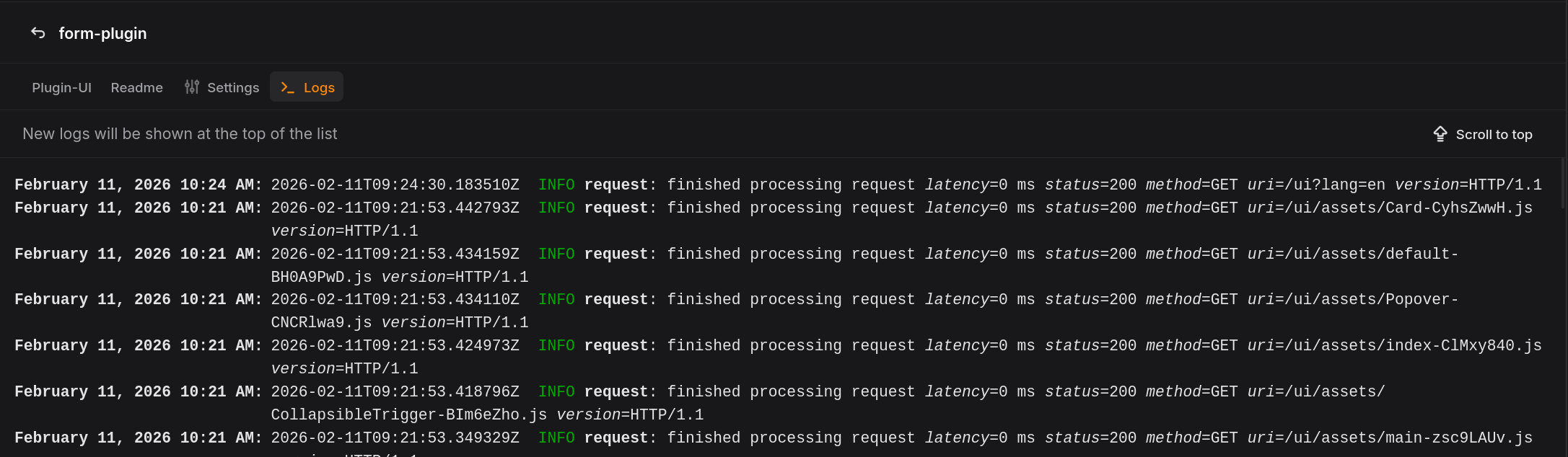
Under Logs you can see the plugin's log entries. These can help you if a
plugin is not working correctly.