Setup
Set up your CMS instance to start publishing
Create your first user
When you first start your Neleto instance, you won't have any users or content
yet. To complete the initial setup, you need to go to your Neleto instance's
URL with the path /admin/setup:
https://<your url here>/admin/setup
You should see something like this:
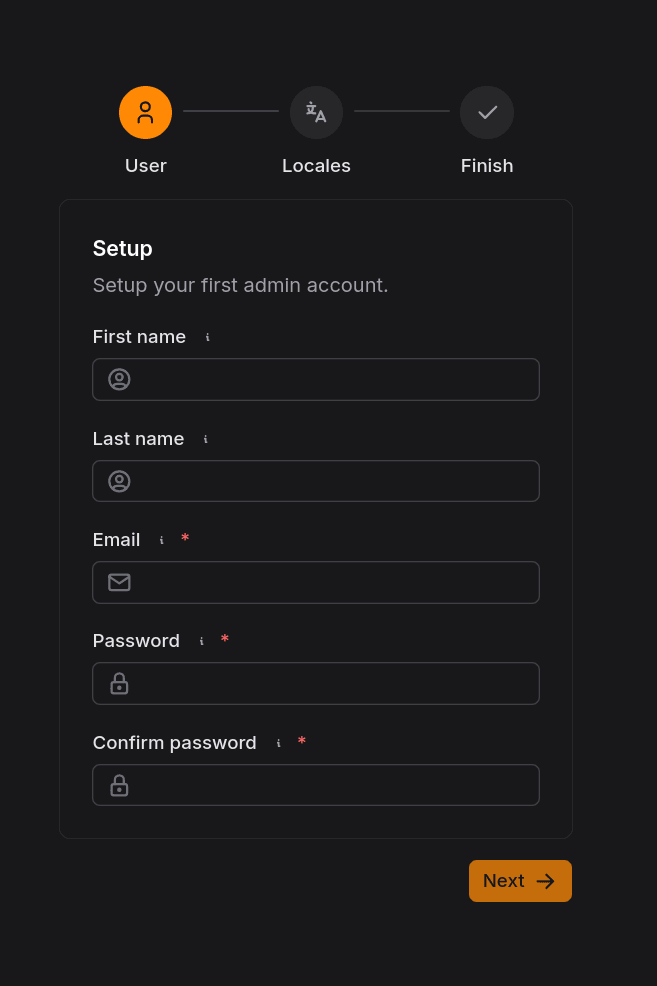
On this page, you'll set your email and password for your first admin user. The email does not have to be the same as the one for your Neleto account. Optionally, you can also set the first and last name of the admin user.
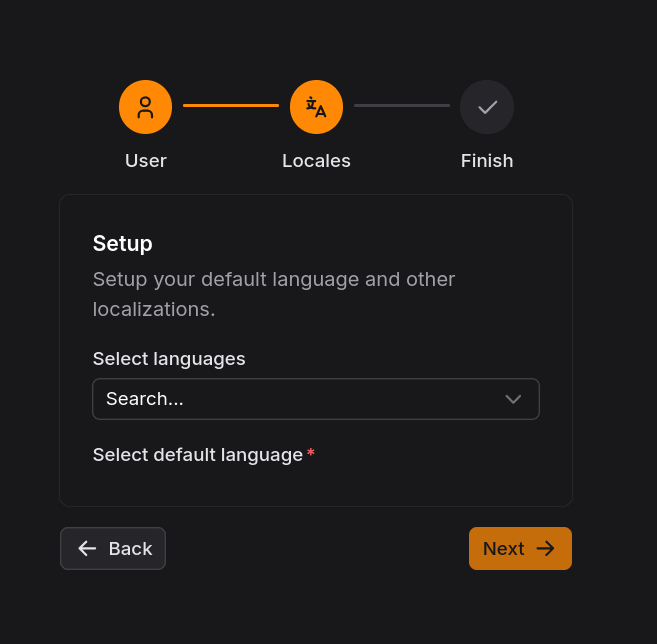
After clicking on Next, you need to choose the languages in which your
content will be. If you only plan on writing in one language, just select that
one. You can always select more languages later in the settings.
After selecting your languages, it should look like this:
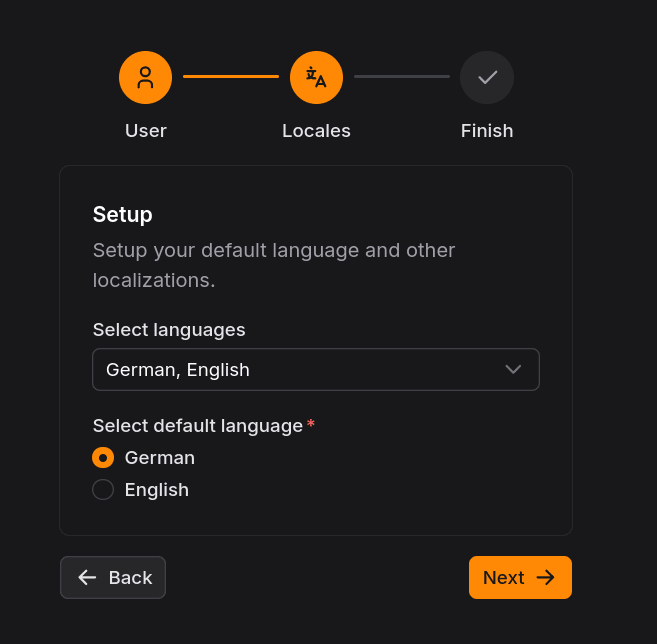
Click on Next to get to the last step of the setup, where you can review your
settings and confirm them.
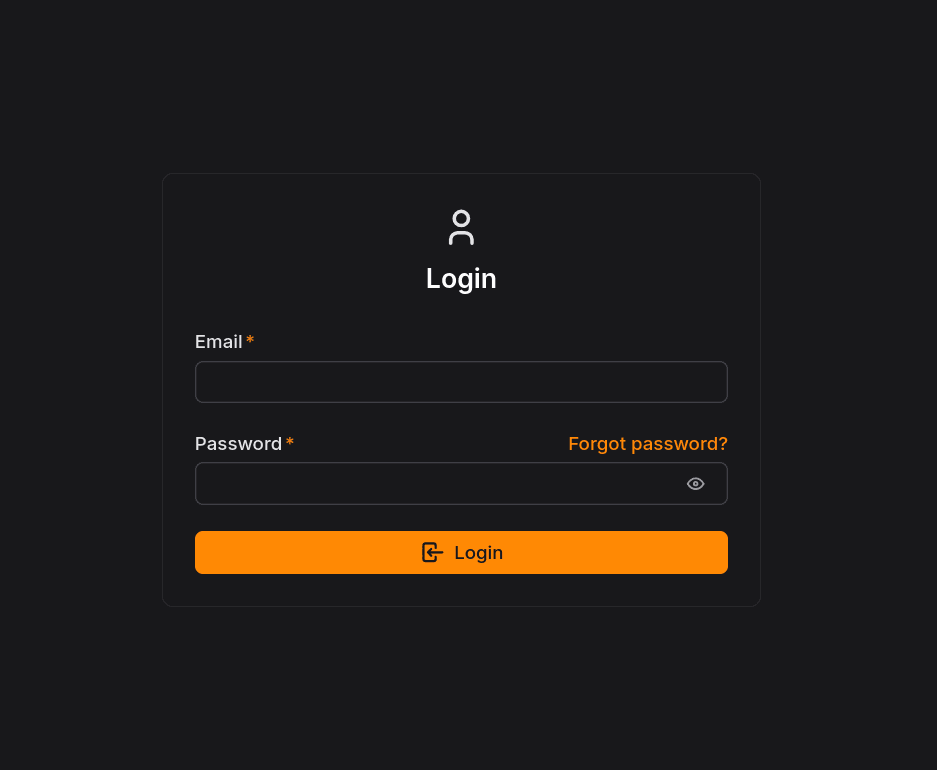
Once you're done, click on the Finish setup button and you will be redirected to the login page where you can log in with the account you just created.